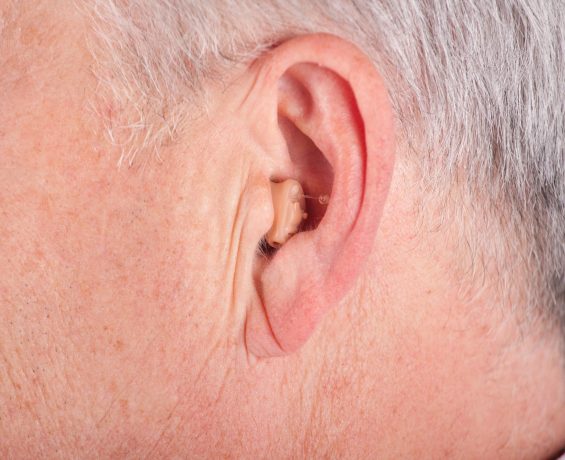
Hearing aid feedback or whistling sounds can be annoying and detract from the device’s effectiveness. Here are some tips to prevent this issue:
- Ensure Proper Fit: A well-fitting hearing aid is crucial in preventing feedback. If the hearing aid doesn’t fit snugly in your ear canal or if it’s a behind-the-ear model with a poorly fitting earmold, sound can escape and re-enter the microphone, causing feedback. Visit your audiologist to adjust the fit if necessary.
- Check for Earwax Buildup: Earwax can block the sound from entering your ear correctly, causing it to bounce back into the hearing aid and create feedback. Regularly cleaning your ears and the hearing aid can help prevent this issue.
- Use Feedback Suppression Features: Many modern hearing aids come with feedback suppression or cancellation technology. These features can detect the feedback loop and eliminate the whistling sound before you even hear it. Make sure this feature is activated on your device.
- Adjust Volume and Settings Carefully: Sometimes, turning the hearing aid volume too high can cause feedback. Experiment with lower volume levels or different settings to see if this reduces the whistling sound without compromising your ability to hear clearly.